HDOS Client Guide for OSRS: HD Graphics Explained
Why HDOS exists in the first place
HDOS exists because a huge part of the Old School RuneScape audience wants the 2007 feel without the 2007 roughness, meaning smoother camera movement, cleaner lighting, higher draw distance, modern UI scaling, and an overall presentation that still reads as OSRS rather than a totally different game. Instead of trying to replace OSRS with a new art style, the client’s core promise is “the same world, but easier to look at and easier to run” when configured correctly.
What the HDOS client actually is
HDOS is a third-party Old School RuneScape client that focuses heavily on an HD-style rendering layer and modern quality-of-life features, while still connecting to the same game servers and using the same account systems as any other client. Jagex has publicly referred to RuneLite and HDOS as approved third-party clients in official communication.
How HD graphics works without changing the real game
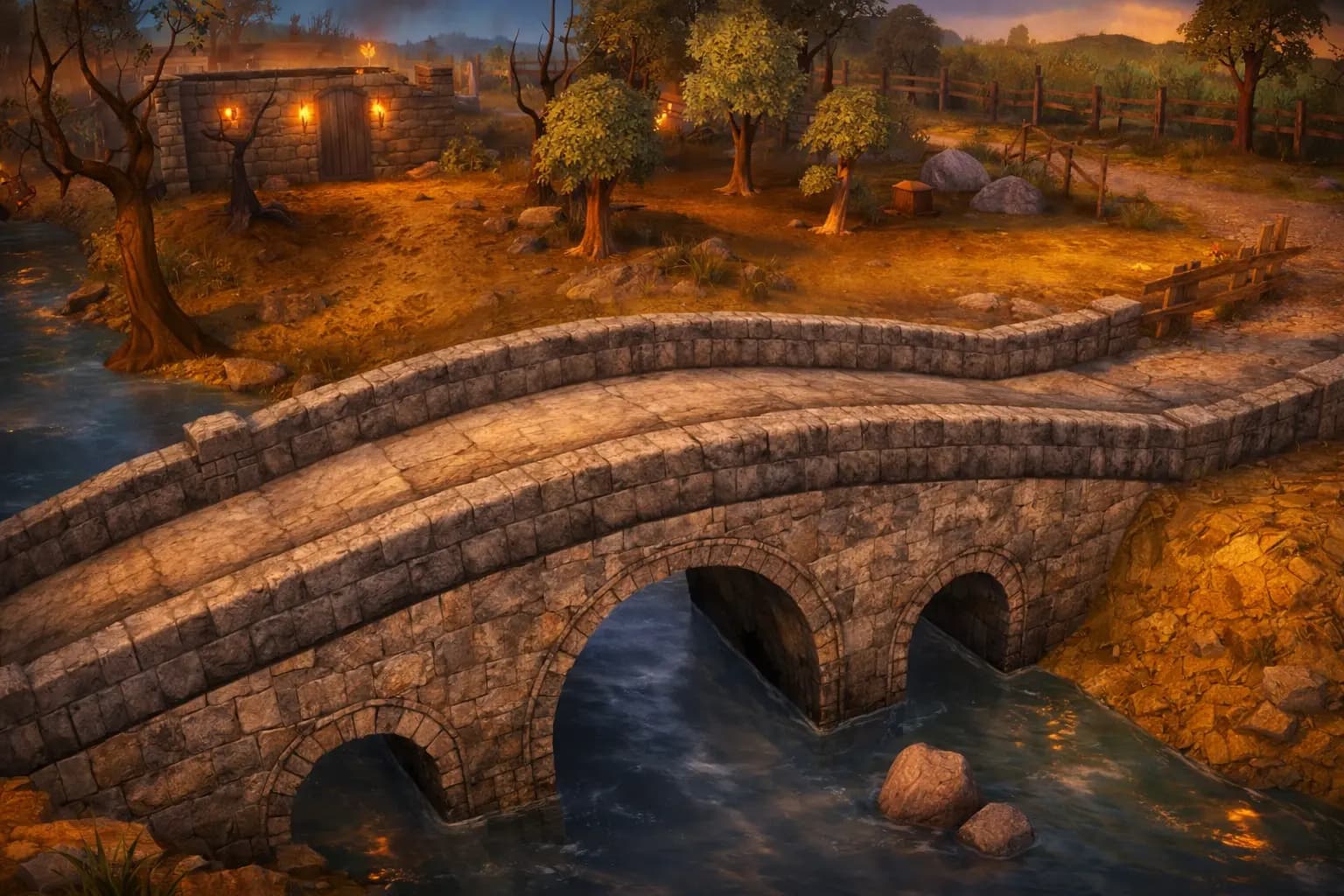
The important idea is that “HD” here is mostly a rendering and presentation upgrade, not new content. The server still sends the same core state: your position, NPC states, animations, projectiles, hitsplats, and so on. The client then renders that state with different lighting, post-processing, shadows, draw distance behavior, and various visual enhancements. In practice, it means you can stand in the same spot in the same city and the game can look dramatically different, even though the underlying gameplay rules are unchanged.
What HDOS changes visually
HDOS is commonly chosen for visual depth and readability, and the biggest areas people notice are lighting, shading, and environment clarity. Players usually describe the “HD feeling” as coming from a combination of stronger contrast between surfaces, more convincing light falloff, improved distance rendering, and effects that make areas feel less flat without turning the game into a modern MMO. When configured well, the goal is that the game remains instantly recognizable as OSRS, just less harsh on the eyes during long sessions.
Performance and why HD can still run smoothly
HD rendering can be heavier than the classic look, but performance is not only about your GPU. In OSRS, you can bottleneck on draw distance, object density, plugin overlays, UI scaling, and even how busy an area is. A lot of players get a better result by aiming for stable frame pacing rather than chasing the highest FPS number, because stable pacing is what makes movement and camera rotation feel clean. The “best” settings are often the ones that keep the client steady in the busiest bank or PvM hub you actually spend time in.
HDOS vs RuneLite vs the official client
RuneLite is usually the “toolbox” choice: it is known for a massive plugin ecosystem and a workflow that many players treat like a productivity setup. HDOS is commonly the “visual-first” choice: people install it because they want the world to look and feel upgraded, then they build their quality-of-life preferences around that. The official client sits in a different lane, because it is the baseline experience and the reference point for what is always supported, but many players still prefer an approved third-party client when they want deeper customization.
Safety, trust, and what “approved” really means
In the OSRS world, “approved third-party client” matters because it signals that the client is within the set of clients Jagex has publicly accepted for use, instead of being an unknown build that could put accounts at risk. Approval still does not mean “risk-free forever,” because security is also about where you download it from, whether you keep it updated, and whether you treat your account like a high-value login with proper protections. The practical rule is simple: only download from the official HDOS distribution channels, keep it updated, and never mix it with shady “helpers” or modified builds.
Installation and setup choices that matter
Most installation problems come from using the wrong download source, missing runtime dependencies on some platforms, or having conflicting graphics drivers or overlays. The setup choices that matter most after install are your render distance, your anti-aliasing approach, and your lighting or shadow settings, because those three areas dominate both how the game looks and how stable it feels. A smart first setup is always “make it stable in crowded areas first,” then increase fidelity after you know the baseline is smooth.
The settings that usually make or break the experience
People tend to blame the client when the real issue is an aggressive visual preset that looks great in an empty field but falls apart in a busy hub. The usual troublemakers are extremely high draw distance, heavy shadow quality, stacked post-processing, and turning on every visual enhancement at once. The best-looking HDOS setups are rarely “everything maxed,” they are balanced profiles where the world looks richer while the client remains stable during the exact activities you actually do, like skilling in populated areas, bossing with lots of effects, or PvP where clarity matters more than spectacle.
Who HDOS is best for
HDOS is best for players who want OSRS to feel less dated visually, who care about atmosphere and readability, and who prefer a client experience that is built around how the world looks. It is also a strong fit for players who do long grinds and want a presentation that reduces visual fatigue. If someone’s top priority is maximum plugin variety above everything else, they may still choose RuneLite first, but many players end up trying both and keeping whichever feels better for their day-to-day play.
The bigger picture: why HD clients keep returning
The OSRS audience has always had two desires at the same time: preserve the identity of the old game, and remove the rough edges that came from old technology and old rendering limits. HDOS exists because that tension never disappears, and every time players return after years away, graphics and comfort are one of the first friction points they notice. As long as OSRS stays popular and its art style stays intentionally retro, there will always be a strong demand for clients that keep the soul of the game while upgrading how it feels to actually sit and play.
If you want, I can also write a second version aimed at absolute beginners that explains HDOS using simple “what you see vs what the server does” examples, but still keeps it in your H2-only format.
Find Your Next Server
Looking for a new RSPS to play? Browse our RSPS List to discover the best private servers, compare features, and find the perfect community for your playstyle.
More Articles You Might Enjoy
 RSPS
RSPSWhy Long-Running RSPS Servers Feel Different From New Ones
Long-running RSPS servers feel different for a reason. This in-depth analysis explains maturity, trust, pacing, culture, and why longevity changes gameplay.
January 3, 2026